Creating a productive home office space is essential for anyone working remotely or running a business from home. A well-organised and comfortable environment can help you focus better, reduce stress, and improve your overall work experience. Whether you have a dedicated room or just a small corner, these tips will guide you in setting up an effective home office that suits your needs.
Choose the Right Location
Consider Natural Light
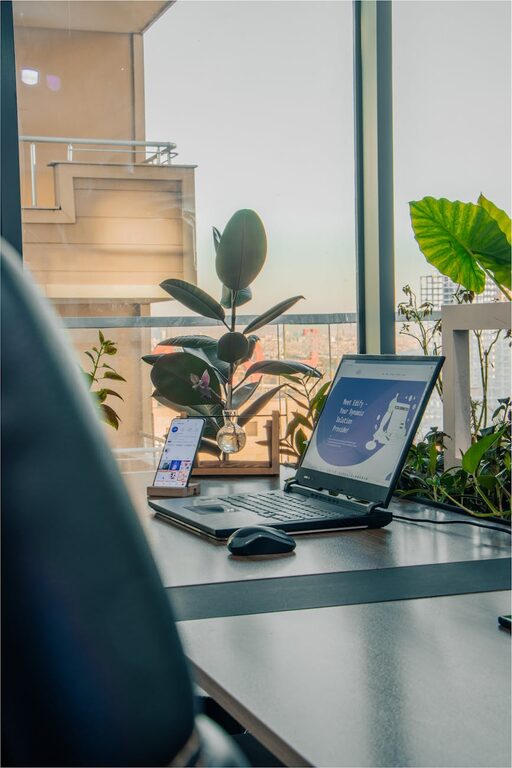
Natural light improves mood and energy levels, so aim to position your desk near a window if possible. This will reduce eye strain and make your workspace feel more inviting.
Minimise Distractions
Select an area away from high traffic or noisy parts of your home. If a quiet room isn’t available, consider noise-cancelling headphones or soundproofing options to help you concentrate.
Invest in Comfortable Furniture
Ergonomic Chair and Desk
Look for a chair that supports your lower back and encourages good posture. Adjustable desks or sit-stand desks can offer flexibility and reduce fatigue during long hours.
Adequate Desk Space
Ensure your desk is large enough to hold your computer, paperwork, and any tools you regularly use. Clutter-free desks help maintain focus.
Optimise Your Layout and Organisation
Keep Essentials Within Reach
Arrange your workspace so that frequently used items, like notebooks, pens, and chargers, are easily accessible. This saves time and keeps your flow uninterrupted.
Use Storage Solutions
Shelving, drawers, or organisers keep your desk tidy and prevent clutter from building up. Label storage containers to find items quickly.
Cable Management
Tidy cables with clips or tubes to avoid a tangled mess. Neat wiring not only looks better but also reduces distractions.
Personalise Your Space
Add Plants or Artwork
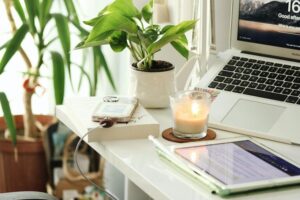
Plants improve air quality and add a refreshing touch to your office, while artwork can inspire creativity and personalise your environment.
Use Calming Colours
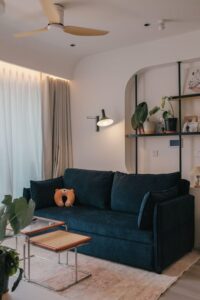
Choose wall colours or accessories that promote calmness and focus, such as soft blues, greens, or neutrals.
Ensure Proper Lighting
Task Lighting
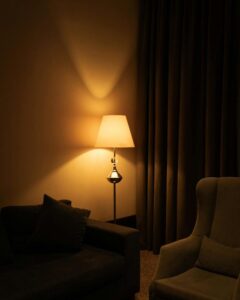
In addition to natural light, use a desk lamp with adjustable brightness to prevent eye strain, especially during late hours.
Balanced Lighting
Try to avoid harsh overhead lights and shadows by combining different lighting sources for a balanced effect.
Manage Technology Efficiently
Reliable Internet Connection
A fast and stable internet connection is crucial for remote work, video calls, and accessing online tools.
Essential Devices and Accessories
Use a good quality keyboard, mouse, and monitor to improve comfort and productivity. Keyboard shortcuts and multiple screens can also boost efficiency.
Backup and Security
Regularly back up your files and keep your devices protected with updated security software.
Set Boundaries and Routine
Define Your Work Hours
Having clear work hours helps separate your professional and personal time, reducing burnout.
Create a Start-Up and Shut-Down Routine
Begin your day by organising your desk and planning your tasks, and end it by tidying up, signalling a clear boundary.
Incorporate Movement and Breaks
Take Regular Breaks
Stand up, stretch, or walk around every hour to reduce physical strain and refresh your mind.
Use Active Accessories
Consider a balance board or a seat cushion to add subtle movement while working.
Additional Tips
– Use a Whiteboard or Planner: Visualising your tasks keeps you organised and motivated.
– Noise Control: Soft background music or white noise can improve concentration for some people.
– Keep Hydrated and Snack Mindfully: A water bottle on your desk reminds you to stay hydrated throughout the day.
—
Setting up a productive home office requires attention to comfort, organisation, and atmosphere. By following these tips, you can create a workspace that helps you stay focused and enjoy your work-from-home experience. Remember, the key is to tailor your space to your personal needs and preferences.