Creating a productive home office environment is essential for anyone working remotely or managing tasks from home. A well-organised and comfortable workspace can improve focus, reduce stress, and boost overall efficiency. Whether you have a dedicated room or a small corner, these tips will help you set up a home office that supports your workday needs.
Choose the Right Location
Selecting the right spot for your home office is the first important step. Ideally, your workspace should be a quiet area away from distractions like televisions or busy walkways. If possible, choose a room with natural light as it can improve mood and alertness.
Tips for selecting your location:
– Avoid high-traffic zones
– Consider proximity to essential amenities (bathroom, kitchen)
– Ensure good ventilation and lighting
Invest in Ergonomic Furniture
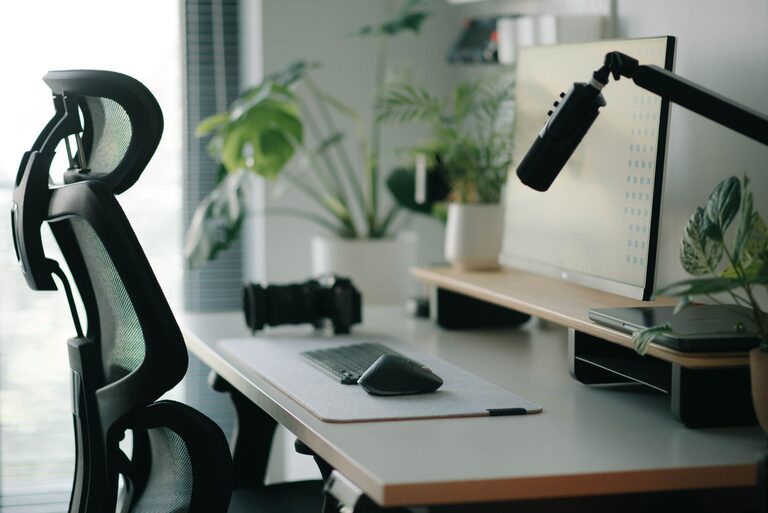
A comfortable and supportive chair, along with a suitable desk, can prevent discomfort and fatigue. Ergonomic furniture promotes better posture, reducing the risk of back pain and repetitive strain injuries.
Key furniture considerations:
– Adjustable chair with lumbar support
– Desk at a suitable height for typing and writing
– Optional accessories: footrest, wrist rests
Declutter and Organise Your Space
A tidy workspace helps clear your mind and increases productivity. Clutter can be distracting, so maintaining an organised area is beneficial.
Organising tips:
– Use shelves, drawers, and storage boxes to keep documents tidy
– Limit items on your desk to essentials only
– Schedule regular clean-up sessions
Enhance Lighting
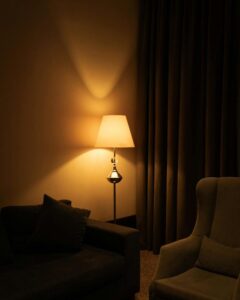
Good lighting reduces eye strain and makes your workspace more inviting. Combining natural and artificial light sources is best.
Lighting recommendations:
– Position your desk near a window for daylight
– Use adjustable desk lamps to focus light where needed
– Avoid glare on screens by positioning lights carefully
Minimise Distractions
Home environments often include many distractions. Setting boundaries can help maintain focus during work hours.
Strategies to minimise distractions:
– Inform family or housemates of your working schedule
– Use noise-cancelling headphones or ambient noise apps
– Disable non-work-related notifications on your devices
Personalise for Comfort and Inspiration
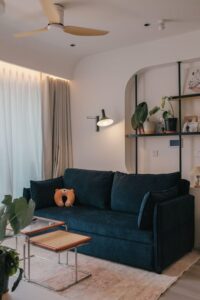
Adding personal touches to your home office can make it a pleasant place to spend your day. It can also encourage creativity and motivation.
Ideas for personalisation:
– Display favourite photos or artwork
– Use plants to add greenery and improve air quality
– Choose colours and decor that you find calming or energising
Establish a Routine
Consistency helps you stay organised and mentally prepared for work. Creating a daily routine can make transitioning between work and personal time easier.
Routine tips:
– Set clear working hours
– Include regular breaks to avoid burnout
– Begin your day with a small ritual, like making a cup of tea
Use Technology Wisely
Ensure your technology setup supports your work efficiently. Reliable internet, appropriate software, and backup options are vital.
Technology checklist:
– High-speed internet connection
– Up-to-date computer and peripherals (mouse, keyboard)
– Backup systems for important documents
Maintain Good Air Quality
Fresh air helps keep you alert and comfortable during your workday.
Ways to improve air quality:
– Open windows when possible
– Use air purifiers
– Add plants known for air-purifying qualities, such as spider plants or snake plants
Conclusion
Designing a productive home office environment takes some planning but results in a more enjoyable and efficient workday. Remember to create a space that supports your physical comfort, minimises distractions, and inspires you to do your best work. With these tips, you can transform your home workspace into a productive haven.